
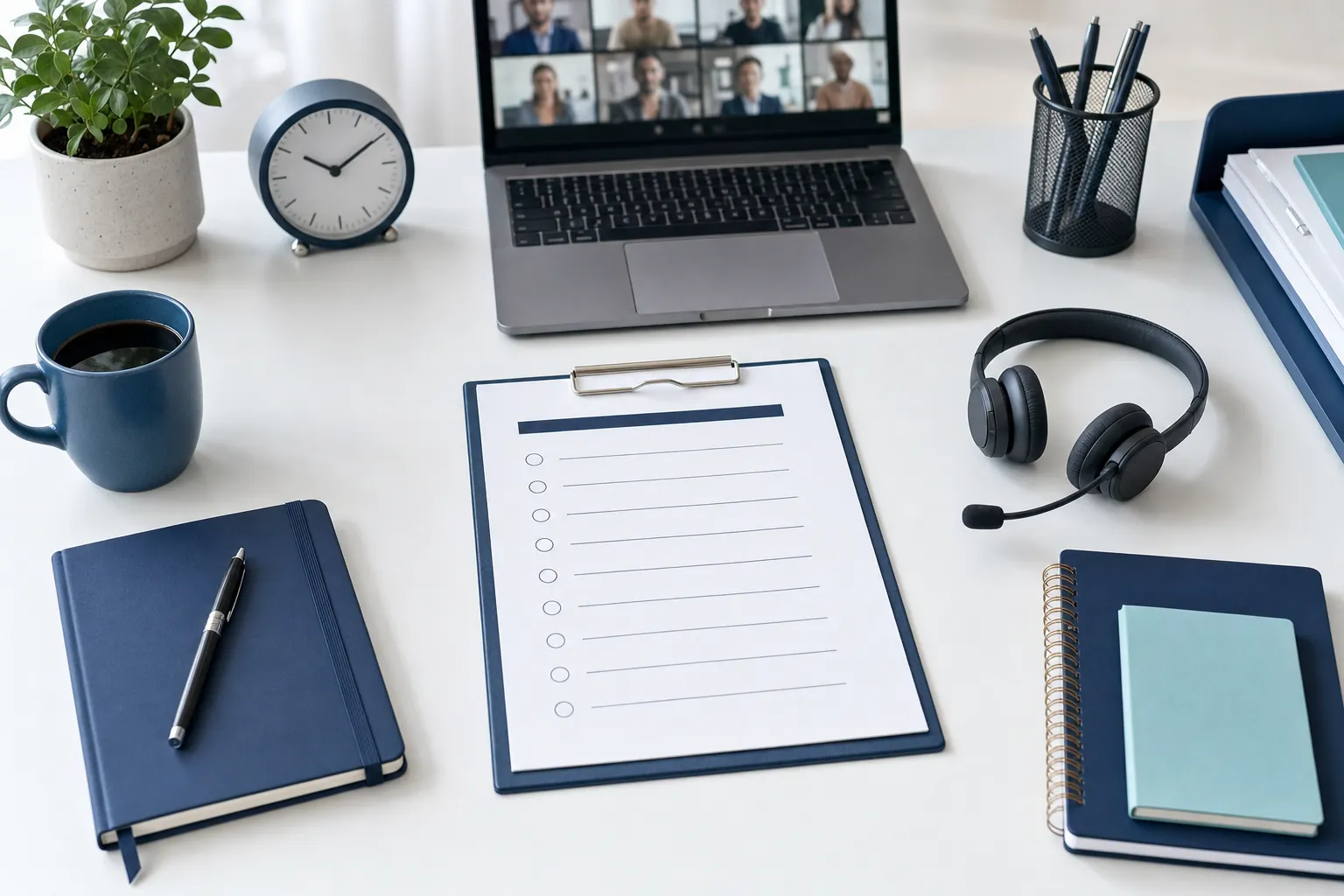
Webinar Planning Checklist: A Practical Guide From Idea to Follow-Up
Use this webinar planning checklist to define the goal, prepare presenters, run the event smoothly, and follow up while the conversation is still fresh.
Read guide →
Webinar Run of Show Template for a Smooth Live Event
Use this webinar run of show template to assign roles, time every cue, handle handoffs, and keep the live session useful for attendees.
Read guide →
Webinar Follow-Up Email: 5 Emails to Send
Use this webinar follow-up email sequence to share the recording, answer questions, and give attendees one clear next step.
Read guide →
Webinar Registration Page: What to Include to Earn Sign-Ups
Build a webinar registration page that makes the value, details, speakers, and next step clear before a visitor has to decide.
Read guide →
Webinar Promotion Plan: A Practical Timeline That Works
Use this webinar promotion plan to choose the right audience, build a realistic timeline, and keep registrations moving before the event.
Read guide →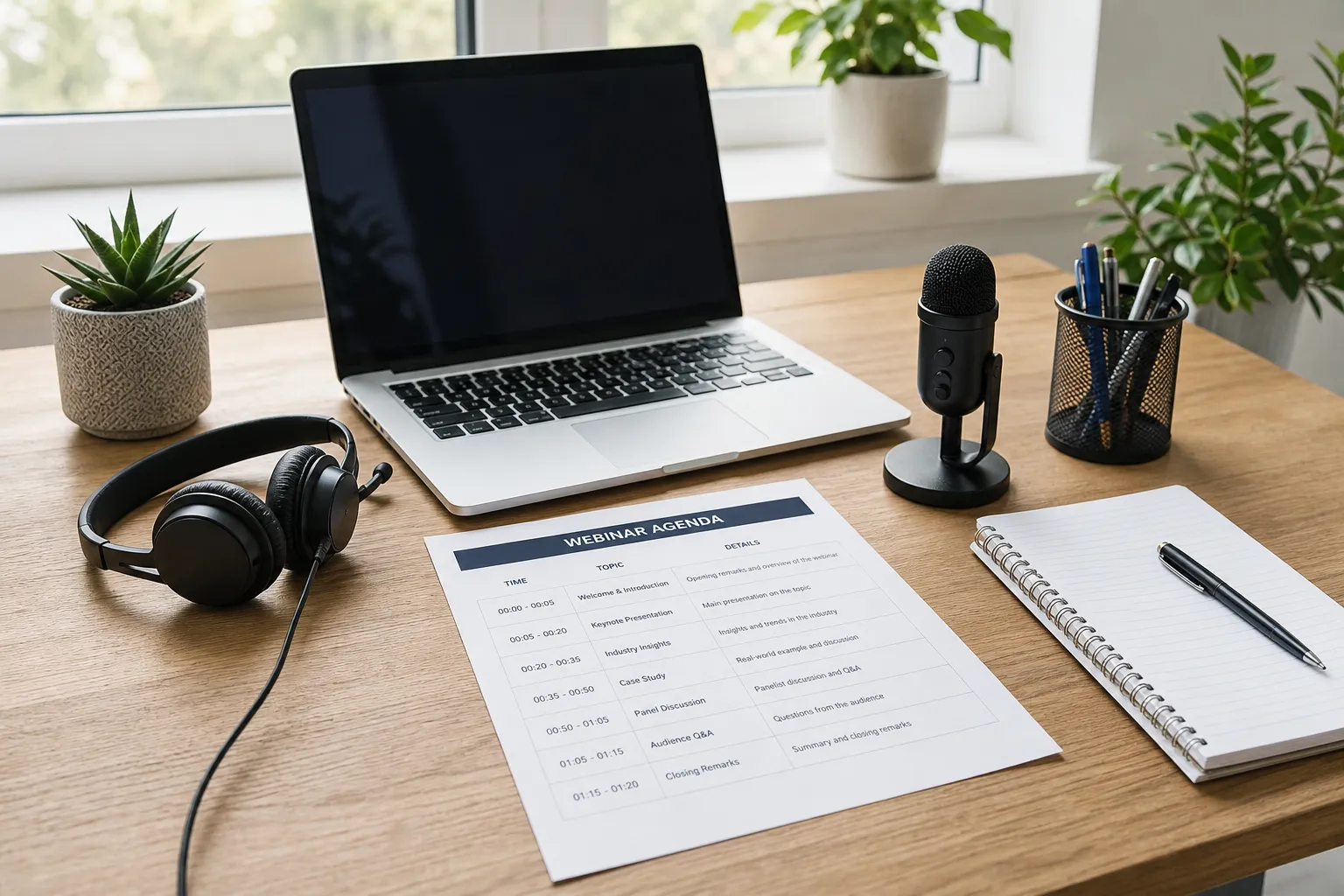
Webinar Agenda: A Simple 45-Minute Template
Use this webinar agenda template to give attendees a clear reason to stay, keep presenters on time, and leave room for useful questions.
Read guide →
Webinar Engagement: A Practical Plan to Keep People Involved
Use this webinar engagement plan to build better prompts, polls, questions, and follow-up into a session that respects attendees’ time.
Read guide →
How to Moderate a Webinar: A Practical Script for a Calm Live Session
Learn how to moderate a webinar with a clear role, a simple run of show, audience prompts, question triage, and a practical closing script.
Read guide →